What PCI compliance means for a small WooCommerce shop (from someone who's done it)
PCI DSS for small online shops, explained plainly by a developer who has taken WooCommerce sites through it. What's in scope, what to check, what to change.
2 min readMichael Overton
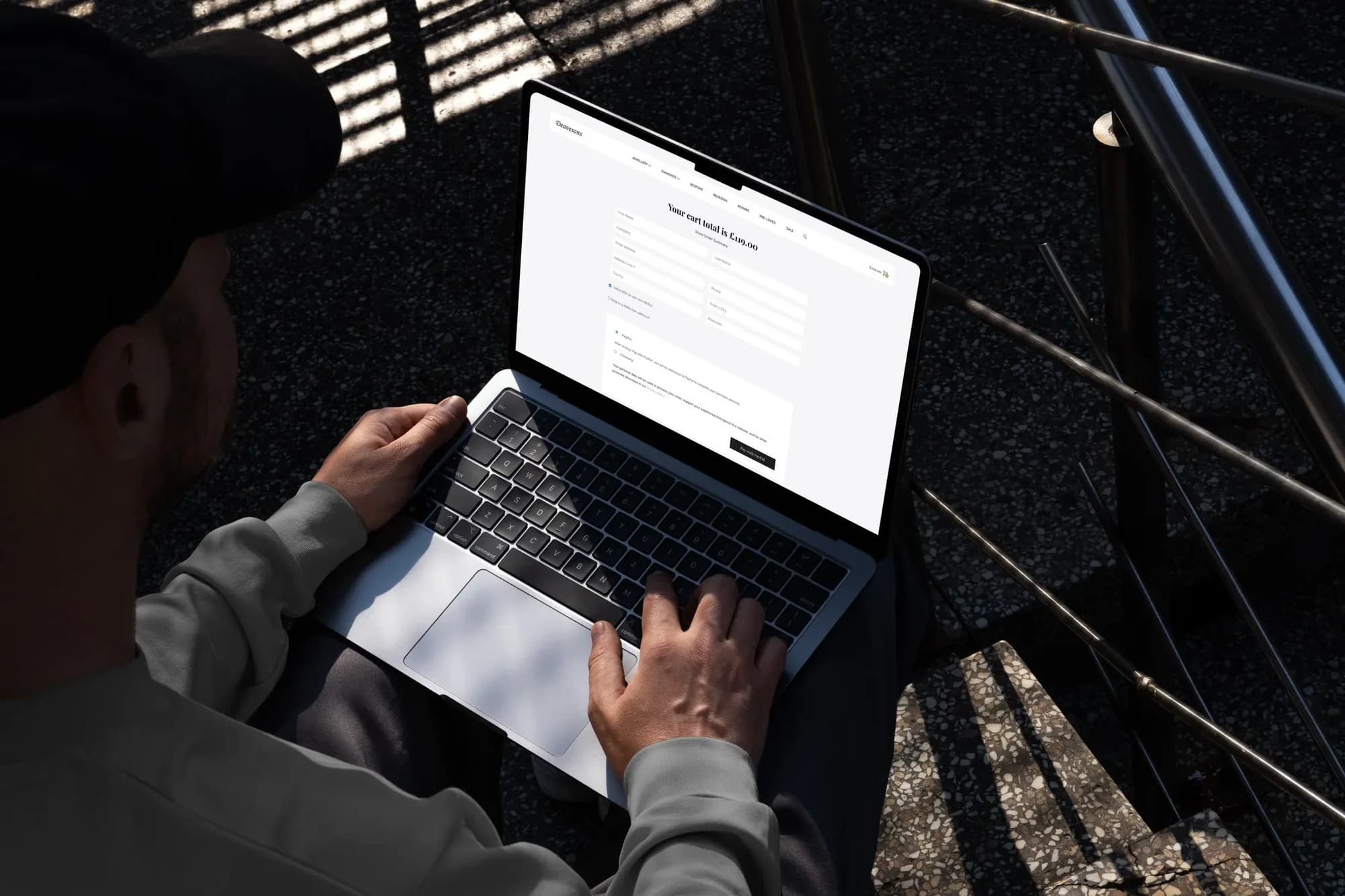
If you take card payments on your website, PCI DSS applies to you. Most small shop owners either don't know that, or know it and hope it goes away. It doesn't. The good news is that for a typical WooCommerce shop it's manageable, if someone actually does it.
I've taken client shops through it, so here's the version without the acronyms.
What it actually is
A set of security rules from the card networks. If card data touches your site, even for a second, you're responsible for protecting it. Your payment provider will ask you to confirm, usually once a year, that you meet the standard. Get it wrong and it ranges from fines to losing the ability to take cards.
The single most important decision
Where the card number gets typed. If it's typed into a form on your page and sent on, you're in the deep end. If it's typed into a box provided by your payment provider (Stripe, PayPal and the rest all offer these), the card number never touches your server, and most of the heavy requirements fall away.
Almost every small shop should be in the second camp. If yours isn't, that's the first thing to change.
What's still on you
Even with the payment box handled by someone else, your site has to be trustworthy around it. In practice that means:
- The site served over HTTPS, everywhere, with no mixed content.
- WordPress, WooCommerce and every plugin kept current. Unpatched plugins are how shops get compromised.
- As few plugins as possible on the checkout page. Every script there is something that could tamper with the payment box.
- Strong admin passwords and two factor login. Admin accounts are the real target.
- A firewall in front of the site, and logs you could actually look at if something happened.
- No card data stored anywhere. Not in orders, not in emails, not in a spreadsheet "just in case".
The questionnaire
Your provider will send you a self assessment. It looks terrifying. For a shop using a hosted payment box, the applicable version is short, and most answers are "yes, because of how it's built". Keep a note of why each answer is yes. Next year you'll thank yourself.
What I do about it
The sites I host have most of this by default: HTTPS, firewalls, updates, two factor, hardened admin. For shops, I go further: a review of what loads on checkout, a check that nothing is storing card details, and help with the questionnaire so it's answered truthfully.
If you've got a shop and you've never thought about any of this, you're not alone, and it's fixable. Get in touch and we'll go through it.